


Book online
Choose the service you need and complete a short intake. No referral is needed.
A video doctor visit lets you see a licensed Canadian doctor face-to-face through a secure video call — without travelling, sitting in a waiting room, or risking exposure to other illnesses. If you have never had one before, you may wonder how the call actually works, what doctors can see through a camera, what they cannot, and what equipment you need. This page walks you through the entire experience step by step: setting up your device, joining the call, what your doctor can assess visually, how privacy is protected, and how to prepare so your appointment runs smoothly the first time.
Book Your Appointment Now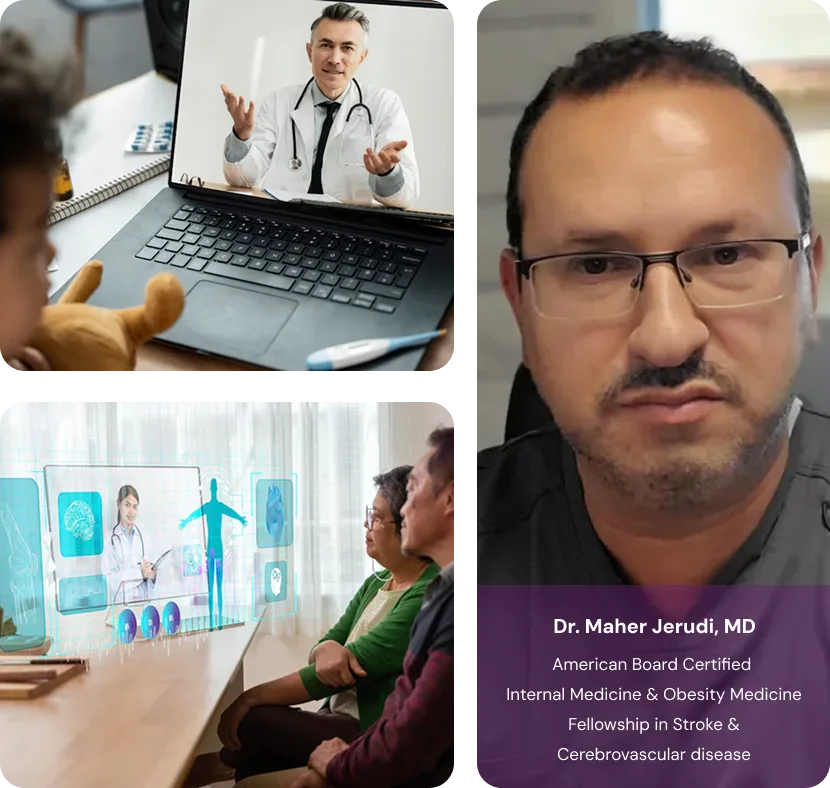
A video doctor visit is a secure, encrypted video appointment with a licensed Canadian doctor. You join from a phone, tablet, or laptop with a camera, microphone, and basic internet. The doctor takes a history, performs a focused visual exam, and creates a treatment plan. Most visits run 10-20 minutes and support prescriptions, sick notes, lab requisitions, and referrals.
Clinical content is reviewed for accuracy and scope. TelePlus Care appointments go ahead only when a doctor agrees it is the right call, after a real assessment, and the doctor will explain the next step if virtual care is not the right fit.
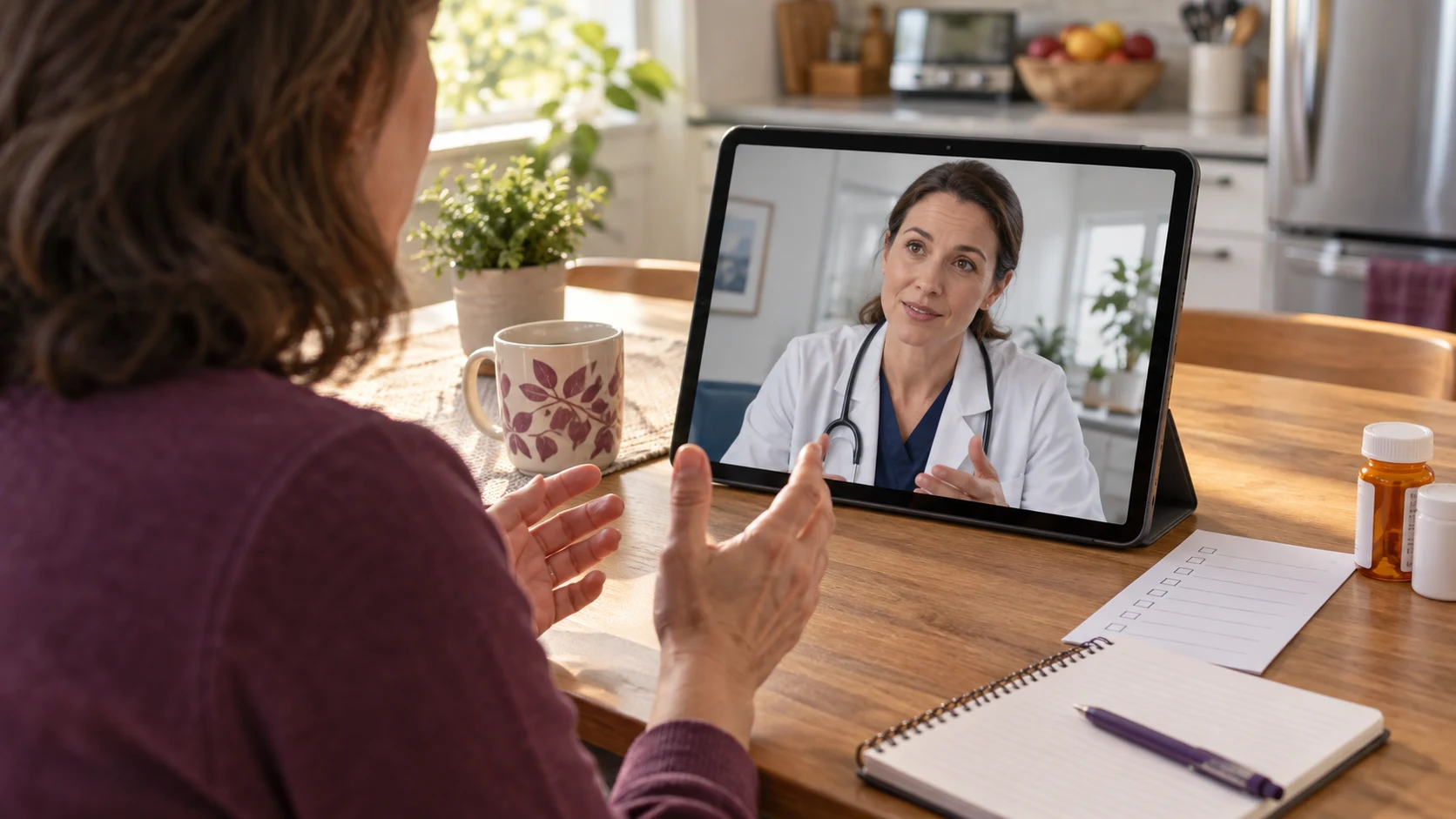
A video doctor visit is a real medical appointment conducted over a secure, encrypted video call instead of in person. You and a licensed Canadian doctor see and hear each other in real time through your phone, tablet, or laptop camera. The visit follows the same clinical structure as a clinic visit — your doctor takes a history, performs a visual assessment, makes a diagnosis where appropriate, and creates a treatment plan. Video visits are the standard format for virtual care in Canada because seeing a patient adds clinical information that a phone call cannot. Your doctor can observe your skin, your eyes, the way you breathe, swelling, posture, and how you appear overall. For most non-emergency concerns, this is enough information to diagnose and treat safely.

Here is what happens from the moment your appointment time arrives. A few minutes before your scheduled time, you receive a secure link by email or text. Tap the link from the device you want to use. The browser or app asks permission to use your camera and microphone — say yes, otherwise the doctor will not be able to see or hear you. You enter a virtual waiting room until your doctor joins. When the doctor connects, you see their face on screen and they see yours. The visit opens like any clinic appointment: confirmation of your identity and clinical requirements, a question about what brought you in today, and a focused conversation about your symptoms. If something needs to be looked at — a rash, an eye, a sore throat, swelling — your doctor will ask you to move closer to the camera, adjust the lighting, or angle your phone. Most visits last 10 to 20 minutes. At the end, prescriptions are sent to your pharmacy and any documents (sick notes, requisitions, referrals) are emailed to you.

You do not need anything fancy. Most patients use the phone already in their pocket. Here is what works well.

Understanding the limits of video helps you use the appointment well. What video does well: visible skin conditions (rashes, acne, eczema, suspected shingles, wound healing), eye redness and discharge, lip and mouth lesions, posture and gait, breathing rate and effort, swelling, the appearance of injuries, and your general clinical picture. Doctors are trained to gather a remarkable amount of diagnostic information from a careful history plus a focused visual exam. What video cannot do: listen to your heart and lungs with a stethoscope, palpate your abdomen, look inside your ears or throat with proper instruments, take blood pressure (unless you have a home cuff), or perform pap smears, joint injections, sutures, or imaging. For these your doctor will either order a lab requisition you can use at any community lab, refer you to imaging, or recommend an in-person visit. Bloodwork can be ordered by requisition during a video visit and completed at a local lab.

A few minutes of preparation makes a noticeable difference, especially for first-time patients.

TelePlus Care video visits run on encrypted platforms that meet Canadian healthcare privacy standards under PIPEDA and provincial legislation including Alberta's Health Information Act. Your call is not recorded for marketing, not shared, and not used to train algorithms. Only the doctor on the call has access to your consultation. A few things you control on your end: take the call from a private space, use headphones if others are around, and avoid public Wi-Fi for sensitive conversations when possible (your home network or mobile data is fine). Your doctor will confirm your identity at the start of the call and will not discuss your health with anyone else without your written consent.

Almost every issue patients run into has a quick fix.

Video care supports most non-emergency concerns, but some situations need in-person attention or emergency services. Call 911 immediately for chest pain or pressure, sudden weakness or numbness on one side, slurred speech or facial drooping (signs of stroke — remember FAST: Face, Arms, Speech, Time), severe difficulty breathing, severe abdominal pain, heavy uncontrolled bleeding, anaphylaxis, or thoughts of harming yourself. For mental health crises, you can also reach 9-8-8 (Suicide Crisis Helpline) any time. Go in person for procedures (suturing, joint injections, IUD insertion), conditions that need a stethoscope or hands-on exam to confirm (suspected pneumonia in an unwell patient, possible appendicitis, complex abdominal pain), and anything where your doctor recommends it after the video assessment. A video visit can still be a useful first step — your doctor will tell you exactly where to go next.
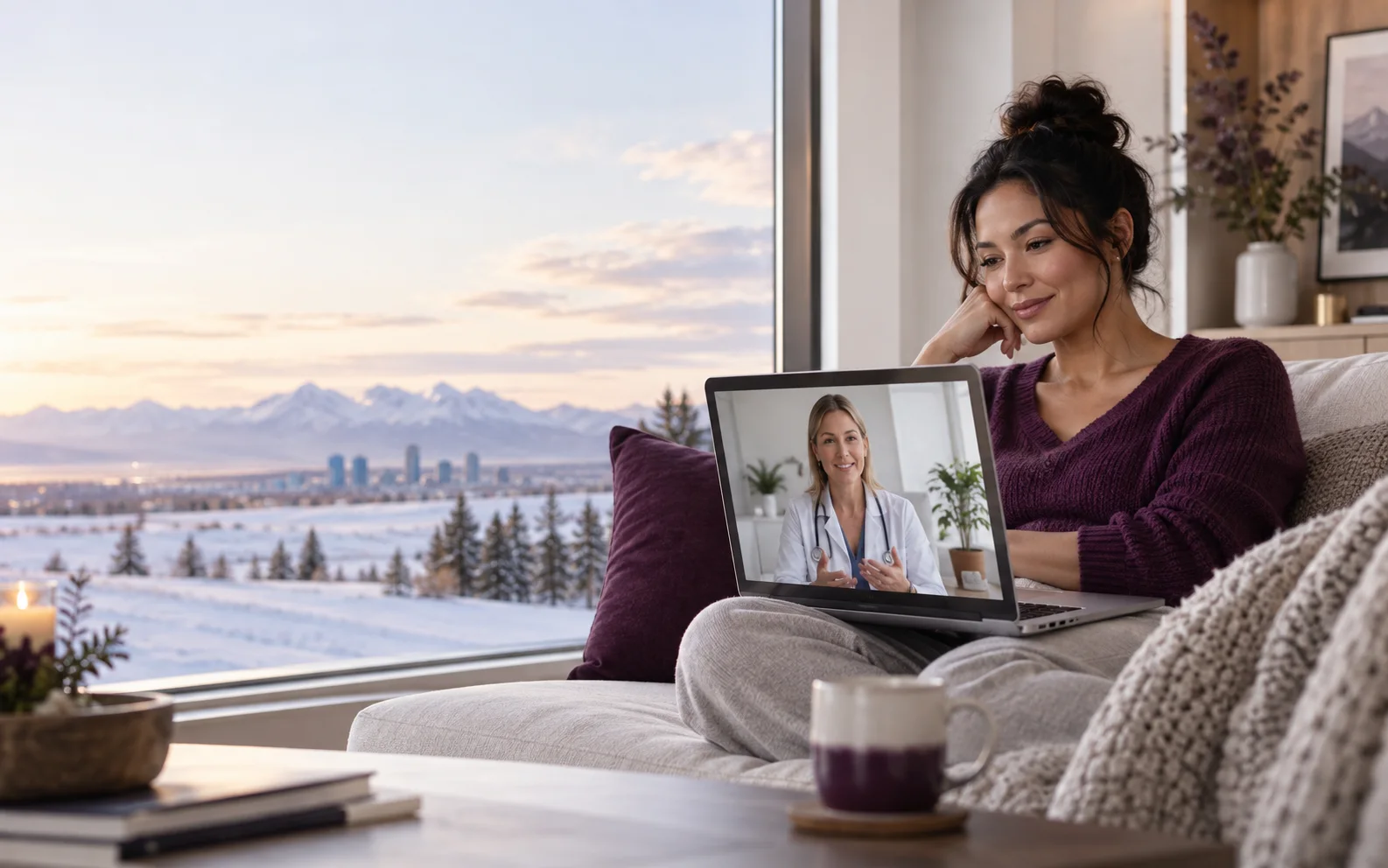
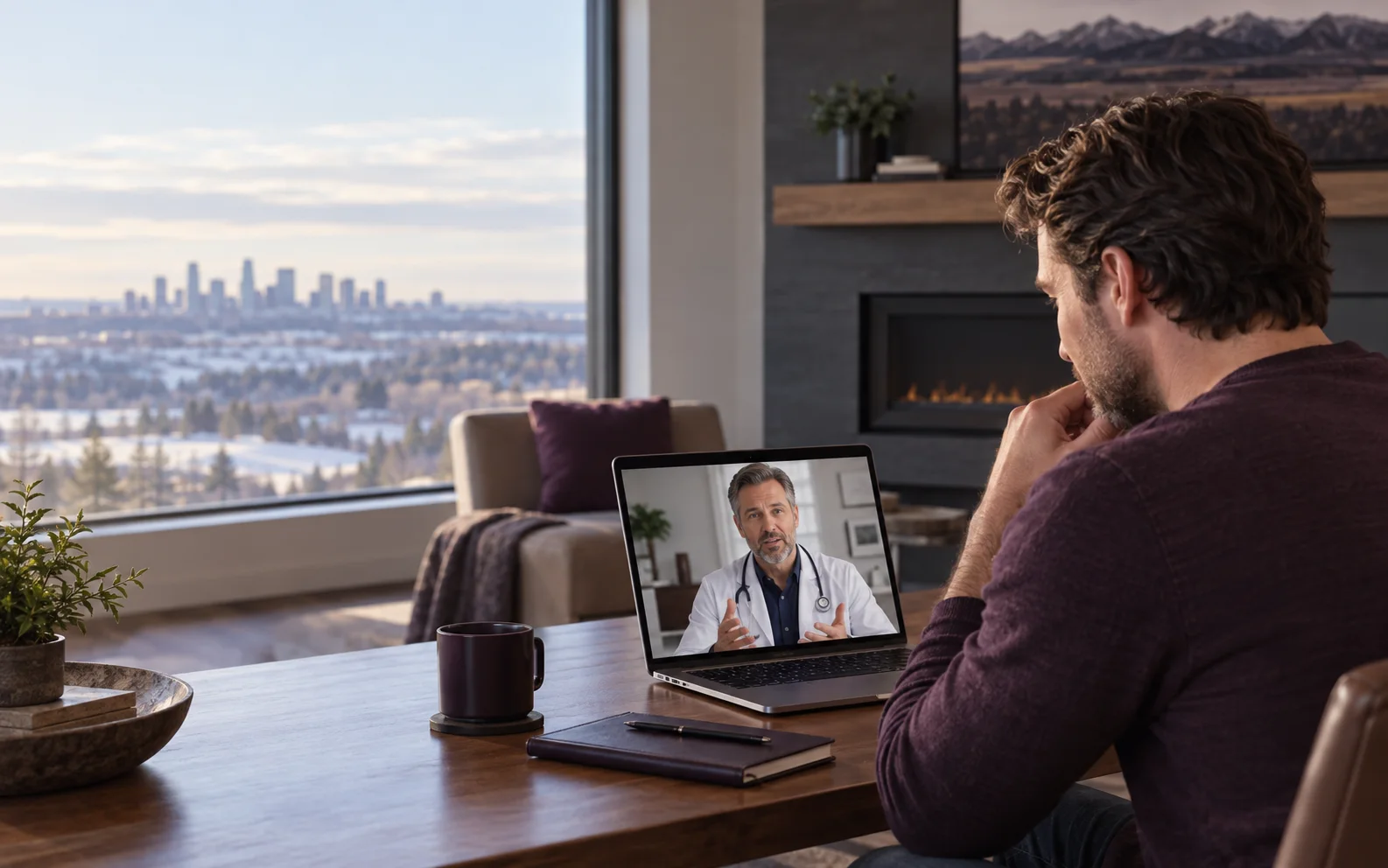
Connect with a licensed healthcare provider from the comfort of your home. No referral needed — book your virtual appointment today.
Book Your Appointment NowTelePlus Care is not an urgent care clinic. If you have an emergency, please call 911 or go to the nearest urgent care facility.
Choose the service you need and complete a short intake. No referral is needed.
Speak with a Canadian licensed doctor by phone or secure video, daily from 8:00 AM to 7:00 PM Mountain Time.
When clinically appropriate, you can receive a prescription, a note, a lab requisition, or a referral.
Virtual care is not for emergencies. Call 911 for an emergency, or 811 for free nurse advice.
Want to hear from patients? Read TelePlus Care reviews on Google
Medical Disclaimer: The information on this website is for general informational purposes only and does not constitute medical advice. Always consult with a qualified healthcare provider before making any health-related decisions. If you are experiencing a medical emergency, call 911 immediately.
Find us in Edmonton, Alberta